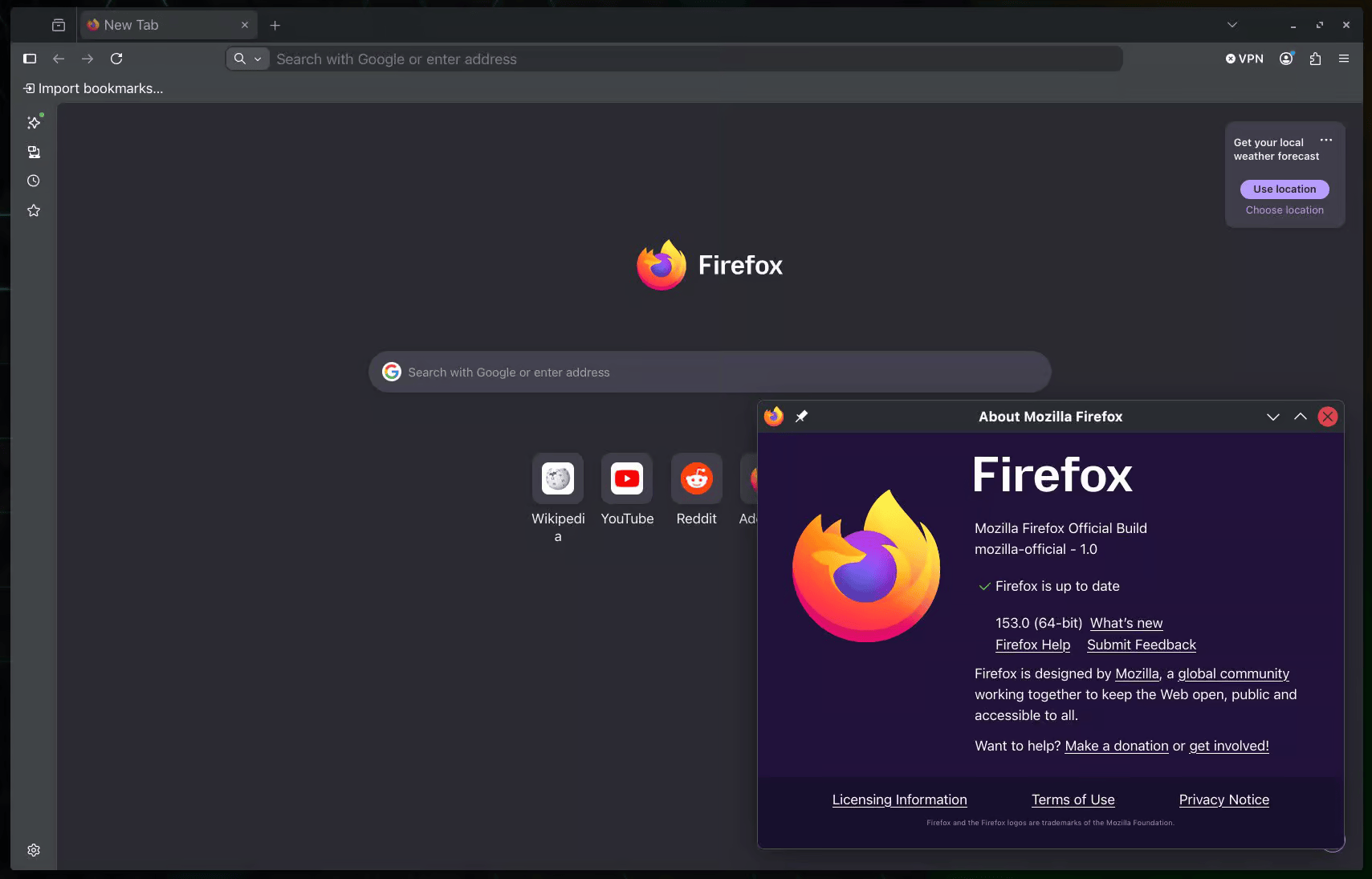
Mozilla has released Firefox 153, and while the headline features are about video and PDFs, the update that matters most for privacy is a quieter one: extensions can no longer read files on your computer without asking for that specifically. The release also brings HDR video playback, PDF merging built directly into the browser, one-click QR code sharing, and experimental support for the JPEG XL image format.
Extensions Now Need Explicit Permission to Touch Your Files
Until now, an extension's access to files on your computer was bundled in with its broader website-data permissions, which made it easy to grant without realizing what was included. Firefox 153 splits that out into its own dedicated permission, "Access local files on your computer," which users have to grant or revoke separately. It's a narrow change, but it closes a real gap: local file access is exactly the kind of permission that's easy to rubber-stamp when it's grouped with less sensitive things, and exactly the kind of access a malicious or compromised extension would want.
Location Access Is Now Harder to Miss
Firefox already showed an icon in the address bar when a site was using location permissions, but it was easy to overlook. In Firefox 153, that icon turns red while a site is actively pulling your location, and it now also appears on search results pages, where it was previously hidden. It's a small interface change, but it directly targets a pattern privacy-conscious users care about: knowing when a page is watching you, not just that it's allowed to.
HDR Video, Windows Only For Now
The most visible new feature is HDR video playback, currently limited to Windows 10 and 11 on HDR displays connected to AMD or NVIDIA GPUs; Intel and NVIDIA laptop configurations aren't supported yet. HDR also has to be turned on separately in Windows Display settings. Mozilla says HDR video may look brighter in Firefox than in other browsers for now, with tuning planned for a future release.
Built-In PDF Merging and Editing
Firefox's built-in PDF viewer picks up real editing power in this release. Users can now insert images as new pages directly inside the PDF editor, and merge a second PDF into the one that's open by dragging it into the sidebar, no separate PDF tool required. Text selection inside PDFs is also clearer now, matching how selection looks on normal web pages, and it follows OS-level settings like high-contrast mode.
Share a Tab as a QR Code
A new right-click option lets users generate a QR code for the current tab through Share > Generate QR Code, useful for handing a page to a phone or dropping a link into something printed, without a third-party QR generator or an account-based sync service in the middle.
Experimental JPEG XL Support
Firefox Labs now includes opt-in support for JPEG XL, a newer image format aimed at better compression than JPEG, PNG, GIF, and WebP. It's off by default and has to be enabled manually, and Mozilla hasn't committed to a timeline for turning it on for everyone. Firefox Labs itself is also easier to reach: typing "labs" or "experiment" into the address bar now surfaces a quick action to open it directly, and typing "pick color," "color picker," or "eyedropper" jumps straight to the built-in color picker.
QWAC Certificate Support
Firefox 153 can now verify and display Qualified Website Authentication Certificates, a certificate type defined under the EU's eIDAS regulation. This is mostly relevant to certificate trust and identity assurance for sites operating under EU rules rather than something most users will notice day to day.
Everything Else
Mac users get support for Apple's system-wide full-screen keyboard
shortcut, Globe-F, and video playback with on-screen overlays is
easier to interact with through context menus. On the developer
side, Firefox 153 adds limited support for the non-standard
::-webkit-scrollbar pseudo-element for web
compatibility (without full styling like colors or border radius),
new alignment-baseline keywords, the popover=hint
specification, closest-corner and farthest-corner support in
circle() and ellipse(), and
Error.stackTraceLimit for controlling JavaScript
stack trace depth. The release also adds text-file imports through
the module system, exposes Picture-in-Picture through a dedicated
API, and implements the Intl.LocaleInfo proposal for
querying locale data like week structure and text direction.
Firefox 153 is available now from Mozilla's servers. Windows and macOS users should see an over-the-air update within days, and Linux users can expect it in their distro's repositories shortly after.
Sources
This article was written by DigitalEscapeTools based on published reporting and Mozilla's release materials at the time of publication.